
A simple question which 3 out of 10 System Customizers/Developers may answer correctly.
Suppose you are doing a Bulk Edit for contacts from the View a form with fields get displayed which looks as below:

Similarly, if you add an Update Record step on a workflow on Contact record then you might see the same Form and fields without Headers as below:
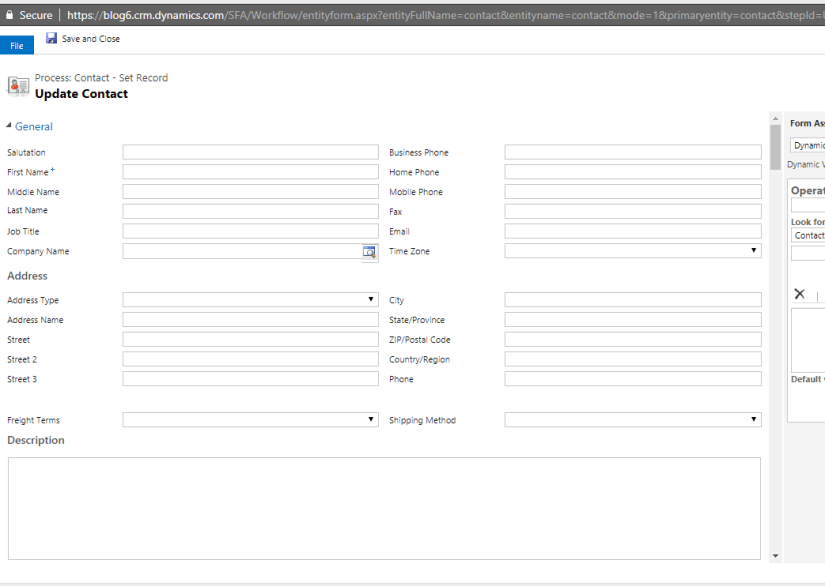
So, if you ask which form fields the above form displays then you might say the Main Form. But its partially correct answer. As my Contact may have multiple Main Forms in the System.

So, the answer to this question is CRM follows the rule which it follows while opening the record of an Entity i.e. “It displays the last visited Form by the user for that Entity for which he/she is trying to Bulk Edit or trying to add Create/Update step of the particular Entity in a Workflow”.
Hope this helps 😊

 D365 CRM Topics by Sid